MyopiaProgression.com · Teaching guide
VISUAL GUIDE 3 / 3
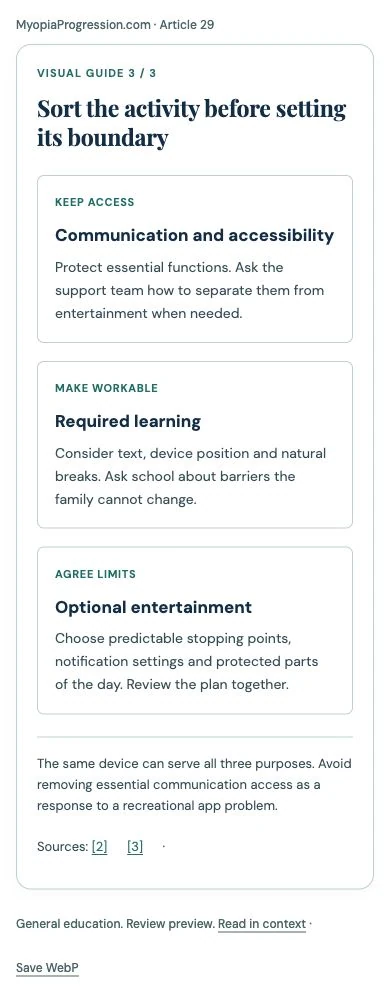
Sort the activity before setting its boundary
KEEP ACCESSCommunication and accessibility
Protect essential functions. Ask the support team how to separate them from entertainment when needed.
MAKE WORKABLERequired learning
Consider text, device position and natural breaks. Ask school about barriers the family cannot change.
AGREE LIMITSOptional entertainment
Choose predictable stopping points, notification settings and protected parts of the day. Review the plan together.